Turn one product into a look
A merchandiser can show how a new blouse, trouser, or jacket reads on a person before a full sample shoot is scheduled.
Explore virtual try onFashn turns a garment reference into realistic on-model scenes with AI fashion models, helping clothing teams explore campaigns, collections, and product stories before booking a full shoot.
The dedicated AI fashion models workflow is made for putting apparel on a believable person. The general Fashn studio is broader: use it when you need a wider mix of image directions, edits, and fashion-focused concepts.
| Workflow | AI fashion models | General Fashn studio |
|---|---|---|
| Best for | On-model apparel imagery | Broader fashion concepts |
| Starting input | Garment or product reference | Prompt, image, or creative direction |
| Main output | A styled person wearing the item | Campaign, editorial, or product visuals |
| Choose it when | The clothing must stay central | The idea extends beyond a single outfit |
Upload a clear product image or describe the apparel direction you want to explore.
Guide the model, pose, setting, lighting, and campaign mood with a focused prompt.
Compare directions quickly, then carry the strongest look into your content workflow.
It helps you move from product to person, test a visual audience, and create a consistent set of campaign-ready directions. For a garment-first experience, pair it with virtual try on; when the person changes but the product should stay fixed, use model swap.
A merchandiser can show how a new blouse, trouser, or jacket reads on a person before a full sample shoot is scheduled.
Explore virtual try onA producer can compare model presence, styling, and setting while the team is still deciding what the campaign should feel like.
See the model swap workflowA brand team can establish a preferred visual identity and carry a similar model direction across multiple garments.
Build with consistent modelsA catalog editor can use an on-model image for discovery and a clean packshot when shoppers need a precise product view.
Compare the packshot routeBegin with the clearest product reference you have. A front-facing garment image, a short description, and one intended use are enough to produce a useful first direction.
Estimate the first image batch
Use the slider to see how a virtual first pass can change the size of a content exploration.
Planning estimate only. Actual output, review time, and production costs depend on your brief and approval process.
A product reference gives the workflow an anchor; your direction supplies the setting, styling, and attitude around it.
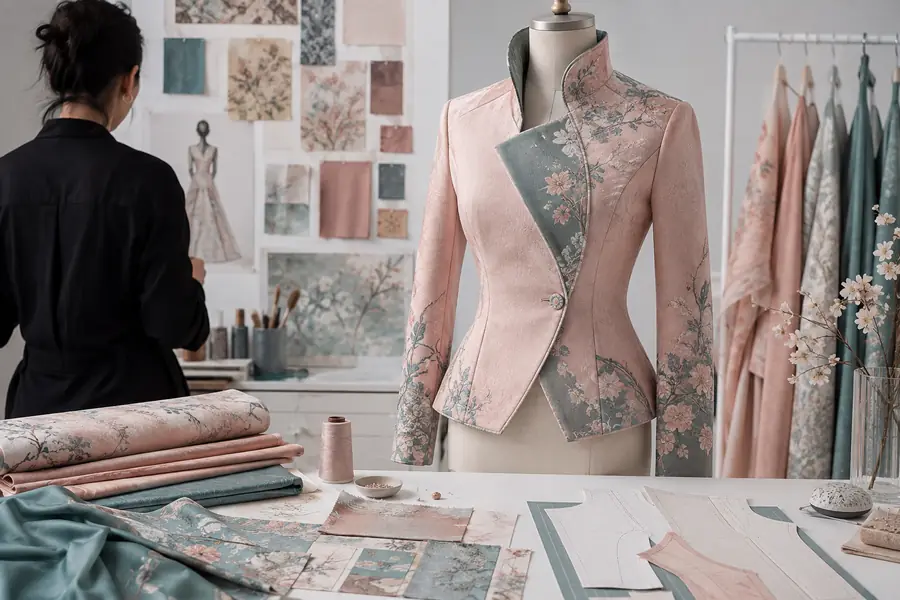
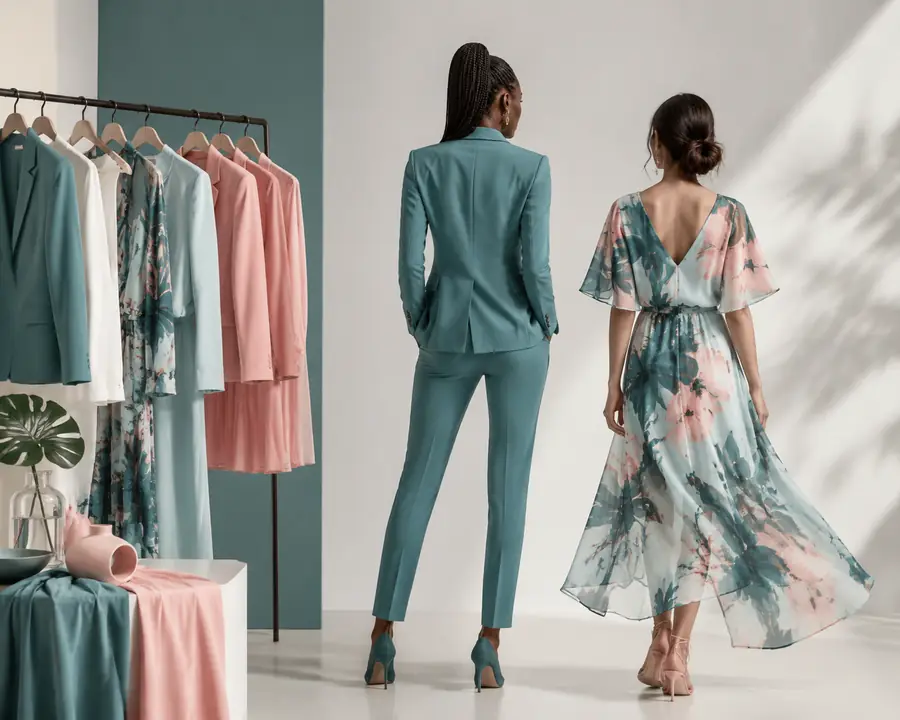
The goal is not to replace every production decision. It is to make more of the right decisions before production begins.
AI fashion models are strongest as a visual exploration and content acceleration tool. They are not a substitute for every fit, legal, or production check.
Generated drape can look convincing while still missing the precision of a physical fitting session.
Workaround: validate fit, measurements, and construction with real samples.
Tiny logos, hardware, stitching, and unusual fastenings deserve a close review at final size.
Workaround: use a clean product view or packshot for detail-critical moments.
A single reference gives less control over complex movement, layered outfits, or difficult occlusions.
Workaround: simplify the first brief, then build variations from the strongest result.
Brand tone, model representation, and product accuracy remain creative decisions that need human review.
Workaround: treat generated frames as reviewable campaign options, not automatic approvals.
They are generated people and styling scenes designed to show clothing in a realistic fashion context without arranging a traditional model shoot for every variation.
Yes. A clear garment or product reference is the most useful starting point because it gives the workflow a concrete item to preserve while the model and setting change.
They can support product pages, campaign testing, and merchandising exploration, but detail-sensitive images should still receive a careful accuracy and brand review before publishing.
Keep the garment reference clear, describe one scene at a time, and reuse a focused visual direction. For longer campaigns, the consistent models workflow gives you a more deliberate identity system.