Ecommerce merchandiser
Test a more representative model for a product detail page without asking the studio to recreate the same pose and lighting.
Choose virtual try on when the garment is the changing variable.
Model swap lets fashion teams replace the person in an existing product image while keeping the garment, pose, lighting, and composition on brief. Fashn turns one approved shoot into more relevant campaign directions without starting from zero.
1
approved source image
3×
more audience directions
5 min
to review a new model
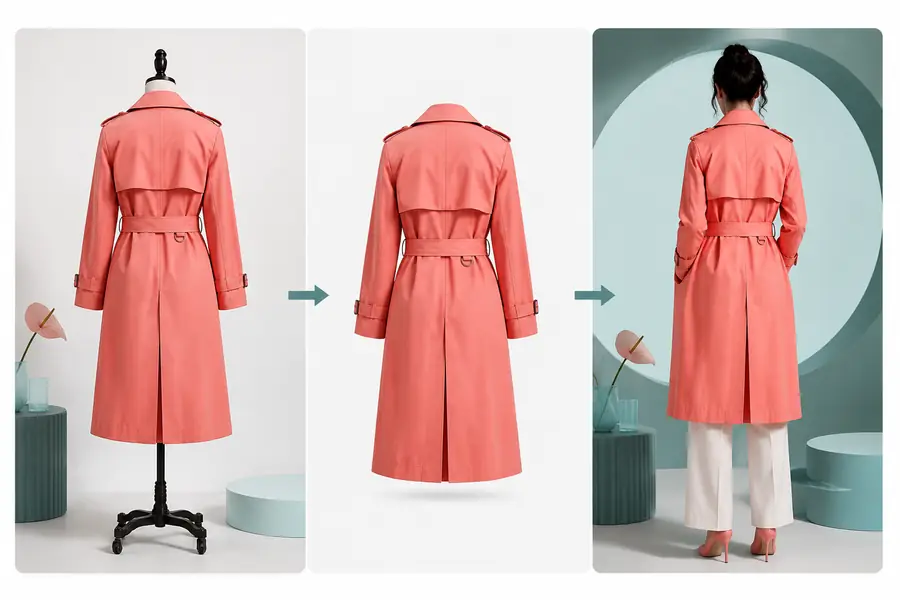
A reliable result starts with a useful source. Prepare the garment image, decide what the replacement model should communicate, and keep the brief specific enough for a clean review.
Use a sharp front, three-quarter, or full-body photo where the main garment is visible and not heavily hidden by hair, hands, or props.
Choose the age range, styling energy, body type, and visual identity that should represent the collection in its next campaign direction.
Check the hem, neckline, print placement, accessories, and hands before approving the result for a product page or editorial layout.
The same sequence works across a launch team, a creative studio, and an ecommerce catalog. If the garment needs to change instead of the person, use virtual try on; if one identity must recur across a collection, pair the process with consistent models.
Test a more representative model for a product detail page without asking the studio to recreate the same pose and lighting.
Choose virtual try on when the garment is the changing variable.
Explore how the same styling reads on different faces before selecting a final casting direction for a campaign.
Use ai fashion models to widen the casting shortlist before production.
Adapt approved imagery for regional audiences while preserving the visual rules already established for the season.
Build around consistent models when recognition matters across every look.
Keep the original shoot as a dependable reference while building alternate versions for social, retail, and partner placements.
Use packshot workflows when a clean product-only frame is the priority.
A model swap is most useful when the product image is already close to approval. Use this guide to match the source frame to the kind of model change you want to test.
| Starting point | Best replacement | What stays stable |
|---|---|---|
| Full-body lookbook frame | New face, age range, or styling identity | Garment silhouette, pose, and set direction |
| Three-quarter campaign portrait | Audience-specific casting direction | Crop, light quality, and editorial mood |
| Simple ecommerce image | A more relevant customer representation | Product visibility and catalog consistency |
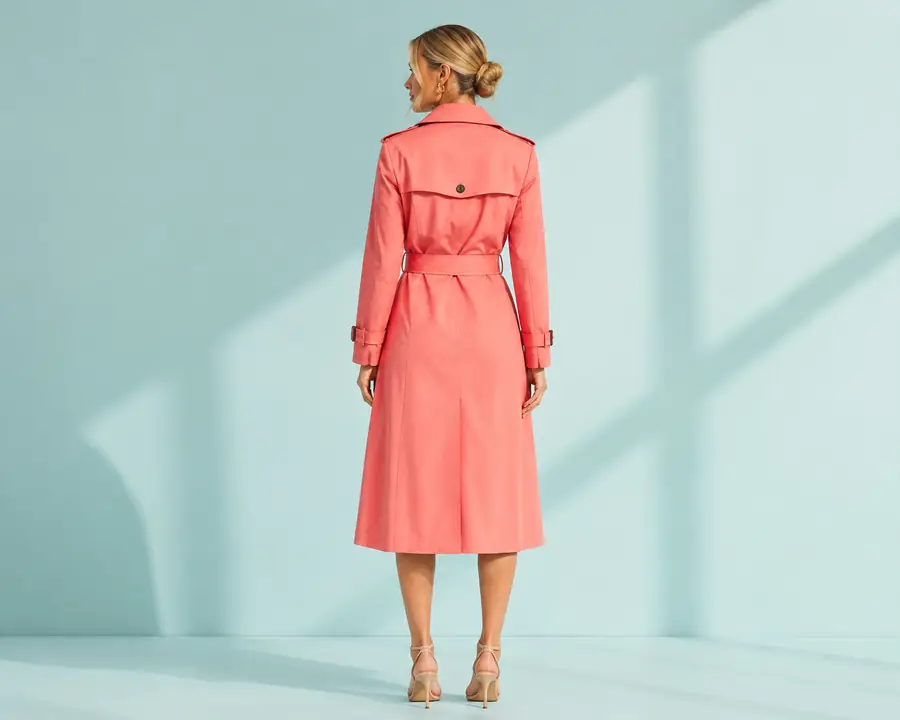
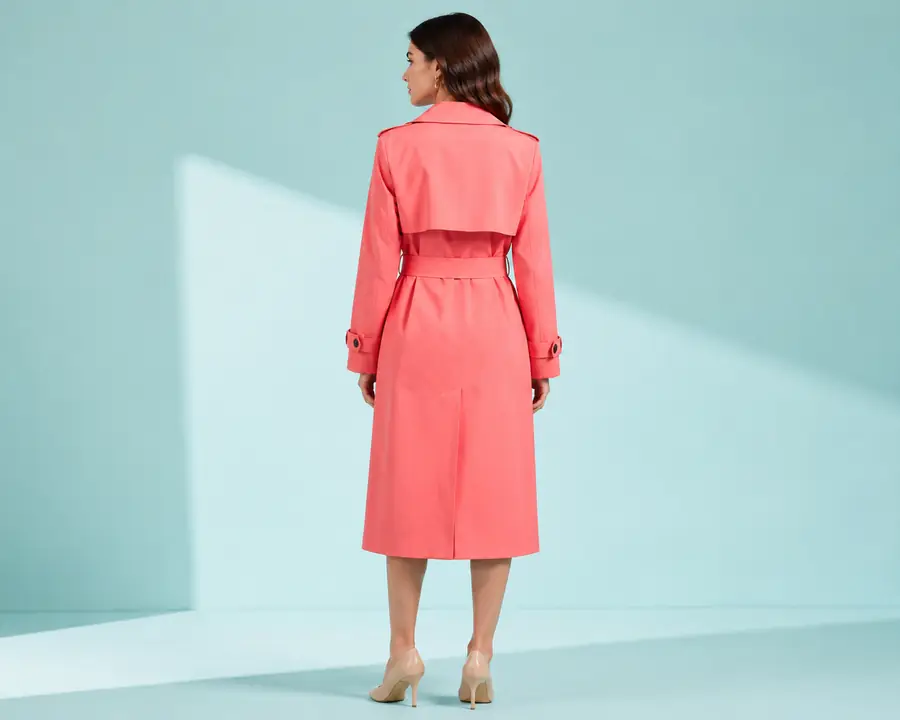
Compare the result at the garment level first: seams, print scale, drape, and coverage matter more than whether the new face looks dramatically different at thumbnail size.
The tool is designed to preserve fashion details, but the source image still sets the ceiling. These are the situations where a human review or a different starting frame will produce a safer result.
Tiny logos, fine textures, and small hardware may soften when the source is compressed or tightly cropped.
Workaround: upload the sharpest available export and keep the garment larger than the background.
Hands, bags, long hair, or crossed arms can hide the construction details that need to remain consistent.
Workaround: choose a clearer frame or use a second angle with more of the garment exposed.
Unusual body positions, fast movement, and complex hand-to-clothing contact can make anatomy or drape less predictable.
Workaround: begin with a balanced pose, then reserve unusual compositions for a creative review pass.
A replacement is useful for audience exploration, but it is not a guarantee of a specific real person's likeness or a legal identity match.
Workaround: use approved references and review every image for brand, consent, and likeness requirements.
Estimate the shape of a small content batch, then use the answers below to decide whether your source is ready for a review.
Planning estimate only: two generated directions per look, $85 of comparable shoot effort, and 1.5 hours saved per adapted look.
The workflow aims to retain the garment's visible construction, the original framing, the lighting direction, and the overall pose while introducing a different person.
No. A clear product-on-model image, a lookbook frame, or a simple catalog photograph can be a useful starting point. Better visibility usually gives you a more dependable result.
You can use it as a content draft, audience test, or approved asset after checking garment accuracy, image quality, permissions, and your brand's publication standards.
Choose a garment-focused workflow when the clothing itself changes, a consistent identity workflow when the same face must repeat, or a clean packshot when no person should appear.