Brand strategy teams
Turn positioning ideas into visual territories that clients can react to while the campaign direction is still flexible.
Explore fashion brandsFashn helps marketing agencies turn product references into realistic fashion visuals for pitches, paid media, ecommerce, and campaign reviews—without waiting for another studio day.
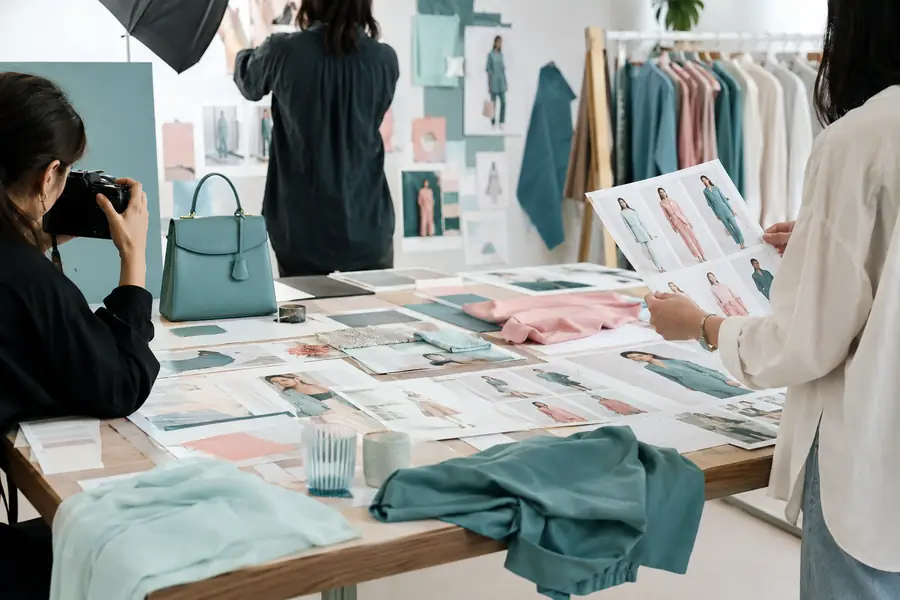
Most agencies already have a brief, a product folder, a review cycle, and a delivery format. Fashn fits between the asset handoff and the first polished concept, giving teams more directions to discuss before production is locked.
Turn positioning ideas into visual territories that clients can react to while the campaign direction is still flexible.
Explore fashion brandsCreate alternate crops, settings, and styling directions for testing without commissioning a separate shoot for every hypothesis.
Build ad directionsExpand a small set of product assets into PDP-ready model scenes, seasonal edits, and merchandising experiments.
Plan PDP imageryGive directors and designers a realistic visual reference before a location, cast, or post-production budget is approved.
Test a campaign ideaKeep your existing briefing, approval, and delivery tools. Use Fashn as the visual exploration layer that helps marketing teams move from a product reference to a stronger client conversation.
For teams serving fashion brands, this means the agency can show a more complete point of view before production details become expensive to change.
Start with the kind of asset an account team already receives: a product image, a rough reference, or a simple garment capture. Fashn helps turn that starting point into a more persuasive campaign scene for review.
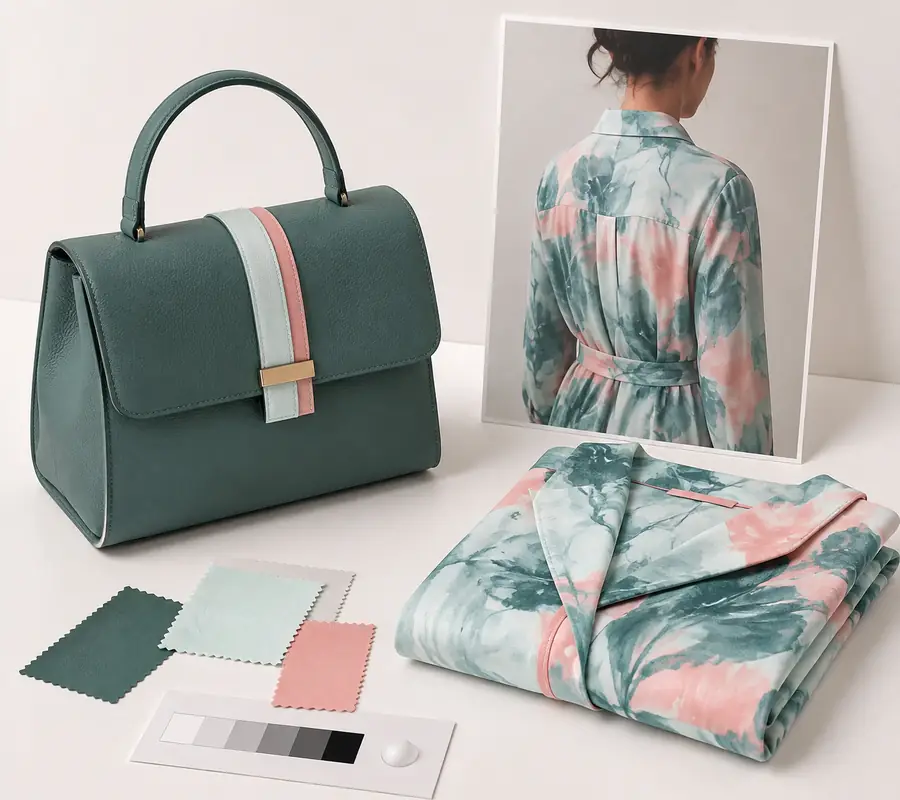
A useful source asset, but not yet a complete campaign proposition.
A realistic visual reference that makes the intended mood easier to approve.
The after image is a concepting deliverable, not a promise that every production detail is final. It gives the client and the creative team something specific to refine together.
A practical agency handoff should explain what was supplied, what was generated, and what still needs human review. Use Fashn alongside your normal creative approvals and brand playbooks to keep every marketing deliverable accountable.
AI visuals may not preserve tiny packaging copy, labels, or precisely shaped marks.
Workaround: add final typography and logo placement in your normal design tool.
A generated scene can communicate the look while still drifting from a calibrated fabric or dye reference.
Workaround: compare against approved swatches before publishing product-critical imagery.
Layered jewelry, straps, and unusual closures can need closer inspection than a simple apparel silhouette.
Workaround: provide a clean source image and reserve a retouch pass for intricate details.
A visual workflow cannot validate sustainability claims, fit promises, or regulated product language.
Workaround: route copy and claims through the client’s existing legal approval process.
The best results come from treating Fashn as part of a clear creative process, not as a replacement for every production or approval step.
Yes. Teams can use a supplied product reference to explore campaign directions, then keep the client’s existing review and approval process around the output.
Not in every case. It is most useful for concept development, testing, early presentations, and expanding visual options before deciding where photography investment matters most.
Check garment details, hands, accessories, color, copy, and claims. Treat the image as client-ready only after the same brand and legal checks used for other campaign assets.
Adjust the number of approved looks to see a simple planning estimate for visual volume, avoided production spend, and review time saved.
Illustrative planning math only. Actual output, cost, and time vary by brief, source quality, approvals, and retouching needs.
Keep the process simple enough for account teams to repeat and structured enough for creatives to improve with every round.
Upload the product reference and describe the audience, mood, placement, or campaign question the image needs to answer.
Generate realistic options, compare the strongest routes, and keep the visual conversation focused on the brief.
Select the useful frame, apply your normal brand and legal checks, and pass a clearer production direction to the next team.