- You have one clean product image
- Choose product to model when you need a fast campaign concept, lookbook direction, or PDP variation without booking a full shoot.
Fashion image guide
What is product to model for fashion imagery?
What is product to model? In simple terms, Fashn turns a clean garment image into a realistic fashion scene with a person wearing it, so teams can explore product presentation before a traditional shoot.
Try Fashn free
Start with one garment image
Input
Garment reference
Direction
Model direction
Output
Campaign visual
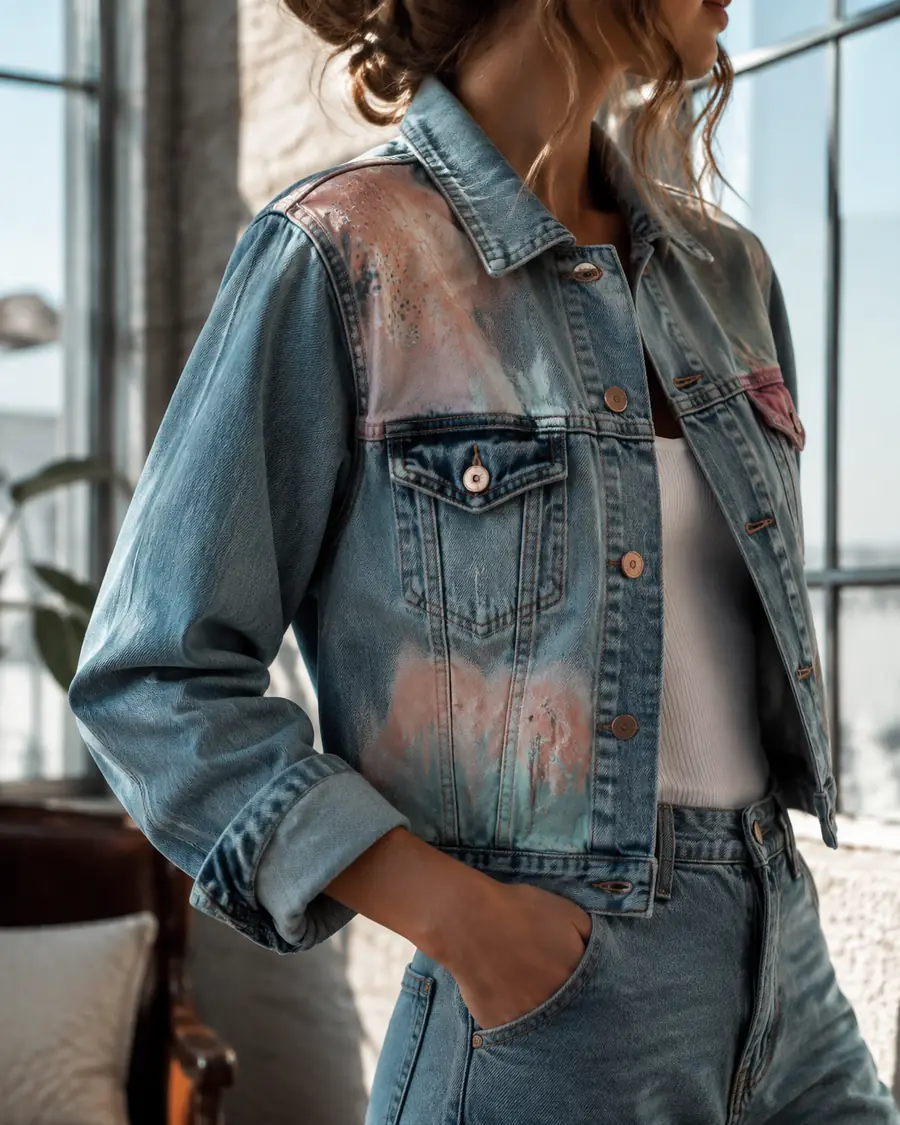
Product image
On model
What is product to model?
Product to model is a fashion visualization workflow: an AI system reads the shape, color, texture, and construction of a garment, then composes it on a generated or selected model in a chosen setting. Fashn is built specifically for this kind of apparel image work. Instead of photographing every sample on every person, a team can test poses, locations, styling moods, and audience directions from the same product reference. The result is not a replacement for final production in every case; it is a faster way to make a useful visual decision.
How it works
Fashn keeps the workflow focused on the relationship between the garment and the wearer. A clear source image gives the model enough information to preserve the product, while a short direction supplies the fashion context.
-
Upload the garment
Begin with a front-facing product photo, flat lay, mannequin image, or clean catalog reference with the important edges visible.
-
Set the direction
Choose a model, pose, crop, environment, and fashion mood that match the audience or campaign you want to explore.
-
Review the visual
Compare outputs, refine the brief, and keep the strongest direction for a product page, concept board, or creative review.
The right next step depends on the source image and the kind of fashion decision your team needs to make.
Explore related workflows
Choose the right route
Can it do everything a studio can?
Product to model is strongest when the goal is fast visual exploration around a known garment. Fashn can help you choose the right starting point, but different inputs call for different workflows.
- You already have a model photo
- Use virtual try-on when the person, pose, and framing are important and only the clothing needs to change.
- The scene works but the audience changes
- Try model swap when the same fashion product should be shown on a different person or identity.
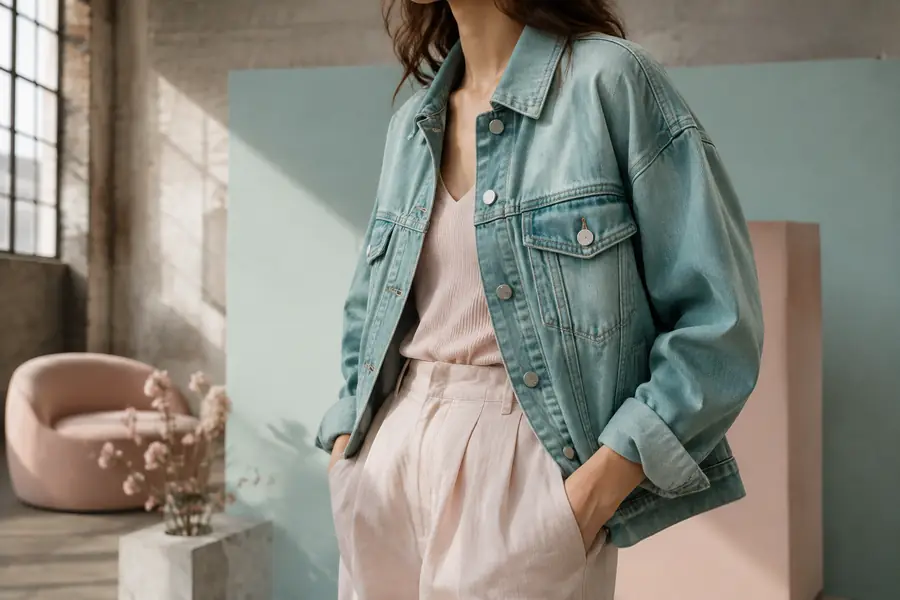
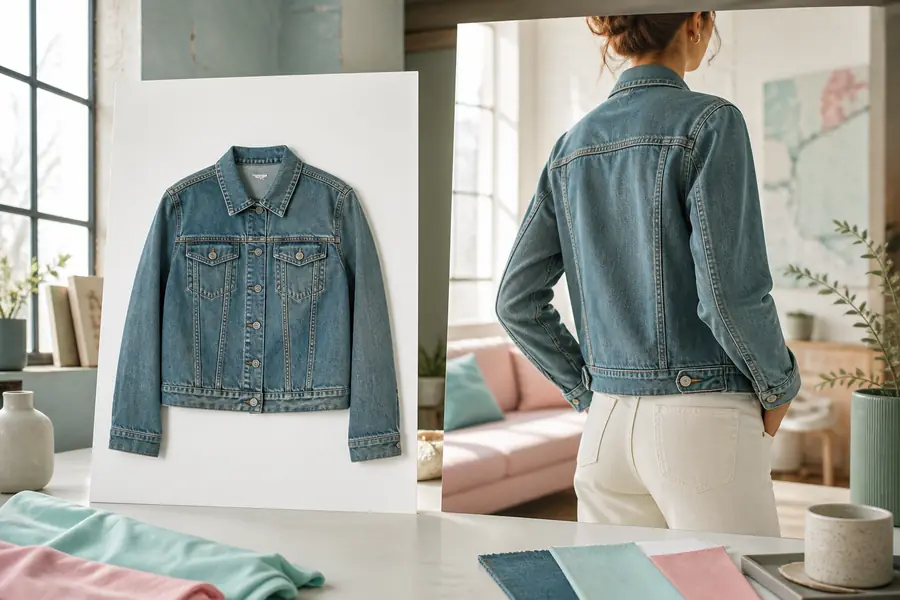
Honest expectations
Fashn is useful because it narrows the distance between a product idea and a believable fashion image. It still has boundaries, especially when the source material is incomplete or the final image needs production-level precision.
It cannot invent hidden garment details reliably
If the back, lining, closure, or construction is never visible in the reference, the result may make a plausible guess rather than preserve the exact product.
Workaround: provide additional views or use the output for concept exploration first.
It is not a substitute for every final sample
A generated fashion image can support planning and merchandising, but regulated claims, exact fit checks, and final campaign approvals may still need photography.
Workaround: use Fashn to shortlist directions before spending on production.
Tiny logos and text may need review
Small labels, repeated patterns, and fine typography can lose accuracy when they occupy only a few pixels in the source image.
Workaround: inspect close crops and finish critical brand marks in post-production.
One input will not answer every audience question
A single model view cannot replace a complete size, movement, and accessibility review for an entire fashion collection.
Workaround: create several considered views and pair them with real product information.
Built for visual teams
Who uses product to model?
Fashn is a practical fit for fashion brands, ecommerce teams, creative agencies, and independent designers that need more visual options before committing to a location, cast, or production schedule. Merchandisers can test a collection story, marketers can explore campaign territories, and designers can show the intended feeling behind a piece. The shared advantage is speed without abandoning a fashion-specific point of view.
See how brands use FashnA useful starting brief includes
- A clear garment image with the silhouette and key details visible.
- The audience, mood, crop, or setting you want the fashion visual to communicate.
- One priority for review, such as color, proportion, styling, or campaign atmosphere.
- An optional pose reference, brand note, or location cue to make the direction more specific.
From experiment to workflow
How the format evolved
-
Catalog images became creative inputs
Teams began treating clean product photography as a starting point for fashion concepts, not only as a final ecommerce asset.
-
Model and garment controls matured
Better reference handling made it easier to explore the same product across different people, poses, and environments.
-
Fashion teams made it repeatable
Fashn helps turn one-off generation into a focused process for concepting, reviewing, and scaling product imagery.
-
More context, fewer handoffs
The direction is toward richer brand context, more consistent collections, and faster movement from brief to approved visual.
Product to model FAQ
It means taking a product or garment reference and generating a realistic image of that item being worn by a model. Fashn adds the fashion context around the product while keeping the source garment central.
They overlap, but the starting point differs. Product to model usually begins with a garment image and creates a broader fashion scene. Virtual try-on usually begins with a person image and changes the clothing on that person.
Use the clearest garment image available, with strong lighting, visible edges, and minimal obstruction. A front-facing product shot is a good first test, while extra views help when construction details matter.