Ecommerce teams
Expand a product page from one clean garment image into useful angles, poses, and on-model combinations.
Explore product to modelFashn helps fashion brands turn product files into realistic campaign imagery, on-model content, and launch-ready concepts without scheduling a new shoot for every idea. Give creative teams a faster way to explore looks, audiences, and channels while keeping the garment at the center.
Expand a product page from one clean garment image into useful angles, poses, and on-model combinations.
Explore product to modelTest a seasonal direction before production, from location mood and styling to the model casting brief.
Plan virtual fashion photoshootsShow how a collection can work across customer segments without commissioning separate sample shoots.
Try AI fashion modelsGive clients more creative routes at the concept stage, then turn the strongest route into coordinated assets.
See how marketing agencies build fasterA single collection can need dozens of product pages, paid social variations, emails, and retailer submissions. Traditional production makes every change expensive: a different model, a new pose, or a warmer setting can send the brief back to the studio. Fashn brings those decisions forward, when they are still easy to test.
Start with product to model when the garment is ready but the image library is not. For existing model photography, a virtual try-on workflow can create additional outfit combinations while preserving the original context.
The best workflow depends on what your team already has and what the next channel needs. Use these simple decision points to avoid overbuilding the first round.
In practice, teams often combine these routes: generate the first model view, adapt it for a second audience, and then use the strongest frame as a reference for the rest of the range.
AI imagery should support a clear review process, not replace one. Keep approved product references close to the workflow, label synthetic campaign concepts internally, and have a human check fabric details, fit, skin, hands, logos, and color before publication.
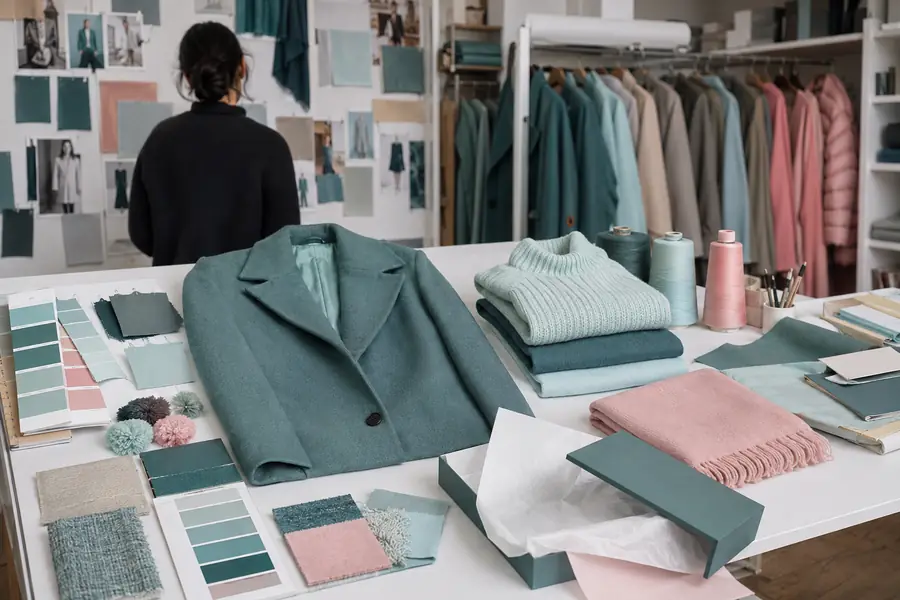
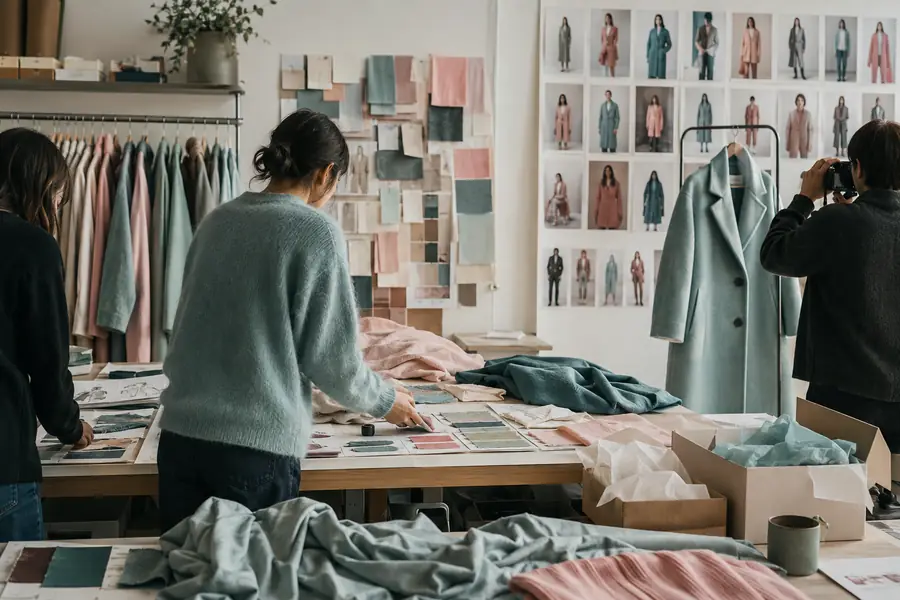
Treat the second frame as a reviewed creative output, not proof of physical fit or final color. For repeatable collections, pair this process with consistent model workflows and retain the original product file as the source of truth.
A practical rollout usually starts small: prove one product story, define the review checklist, and then expand the workflow to more channels.
Use a garment with clear construction, accurate color, and enough detail to reveal how the workflow handles your range.
Describe the customer, setting, mood, crop, and styling so creative and merchandising teams can review the same intent.
Keep the strongest references, document what passed review, and reuse the visual language across the next products.
Yes. A clean reference is enough to explore an initial model, setting, and styling direction, then refine the output through review.
The workflow is designed around the product reference, but every output still needs a human check for construction, fit, texture, and brand details.
Give final review to the people who understand both the garment and the channel: usually a mix of creative, ecommerce, and merchandising.
If your work spans client briefs and multiple launch channels, see how marketing agencies can organize the same visual exploration for different brand partners.
Build your first visual