Honest comparison

Fashn vs WearView: choose the right fashion AI workflow for your team

Comparing fashn vs wearview? The right choice depends less on a feature checklist than on the work you need to ship. Fashn is built as a fashion image studio: start with a garment, model, or idea and move toward on-model visuals, try-on concepts, and a consistent campaign system. WearView may suit a narrower try-on-first brief. This guide keeps the comparison practical, separating workflow breadth, control, team fit, and the easiest migration path.

Verdict first

Fashn is the stronger all-rounder

For a fashion team comparing platforms, Fashn offers the broader creative path. WearView can be a sensible choice when the brief is tightly centered on a single try-on experience, but Fashn is better suited to the full journey from product input to campaign-ready imagery.

Side-by-side comparison of Fashn and WearView
Attribute Fashn WearView
Fashion-first image creation Yes — core focus Narrower focus
Product-to-model workflow Yes Not the main emphasis
Virtual try-on concepts Yes Yes — try-on-led
Model swap and identity control Yes Less central to the brief
Packshot and campaign range Yes — one wider workflow More limited comparison scope
Best fit for creative teams Yes Best for a focused use case
Recommended starting point Start with one product image Start with a try-on brief

The table is a workflow comparison, not a claim that every WearView plan or implementation behaves identically. Product capabilities can change, so validate the current experience against your own garments and audience. The central distinction remains useful: Fashn connects several fashion image jobs inside one creative system, while WearView is more naturally evaluated as a focused alternative for try-on-led work.

Dimension by dimension

Fashn and WearView by dimension

A useful comparison starts with the handoff between steps. Fashn is designed to reduce the distance between a raw product image and the visual story around it. WearView makes more sense when the output you need is already defined and the central question is how a garment appears on a person.

Winner for breadth

Fashn

Best overall

Fashn gives a brand or agency room to explore. The same fashion image workflow can support product-to-model imagery, model changes, virtual try-on directions, and consistent campaign development.

  • Broader path from garment input to finished visual direction.
  • Better fit when multiple teams touch the same collection.
  • Useful for testing models, settings, poses, and styling before production.
  • More creative range means a team should define a repeatable review process.
Winner for focus

WearView

Try-on first

WearView may suit a focused project where the team already knows the garment, the model context, and the experience it wants to show. Its narrower brief can be an advantage when speed means avoiding extra creative decisions.

  • Clear starting point for a try-on-led customer experience.
  • Simple to evaluate when the output brief is tightly scoped.
  • May require another workflow for campaign imagery or broader product content.
  • Less compelling when a collection needs many creative variations.

In practical terms, Fashn wins whenever the comparison is about the system around the image, not only the image itself. WearView remains worth considering for a defined try-on implementation, especially if the team values a short path from one garment to one customer-facing result.

Audience fit

Who each platform suits

The right answer depends on where the image workflow lives. A solo creator, ecommerce manager, agency, and product team can all need fashion AI, but they do not need the same level of breadth or control.

Choose Fashn when…
  • You need campaign concepts, PDP imagery, and on-model content from the same starting collection.
  • Your team wants to test different models, scenes, and styling before booking a shoot.
  • Brand consistency matters across multiple products and launch moments.
Why
Fashn gives creative teams more room to move without rebuilding the process for every new visual brief.
Choose WearView when…
  • Your immediate goal is a tightly scoped virtual fitting or try-on prototype.
  • The team prefers a predefined customer journey over open-ended image exploration.
  • You do not yet need a wider production system for campaign or catalog assets.
Why
WearView can be easier to assess when the team has one clear output and does not need extra creative branches.
Migration path

A practical migration path

Moving from a narrow try-on workflow to Fashn does not need to be a disruptive rebuild. Treat the first test as a controlled comparison: use one garment, one audience, and one visual objective, then expand only after the team understands what it can repeat.

  1. 01

    Choose a representative garment

    Pick a product with the fabric, silhouette, and detail that usually makes your imagery difficult.

  2. 02

    Set the baseline

    Record the time, input image, review criteria, and output dimensions you currently use with WearView or another tool.

  3. 03

    Expand the brief in Fashn

    Start with product to model, then test virtual try on and model swap as separate creative passes.

  4. 04

    Keep the winning recipe

    Document the prompts, model direction, crop, and approval rules that make the output feel like your brand.

Comparison FAQ

Comparison FAQ

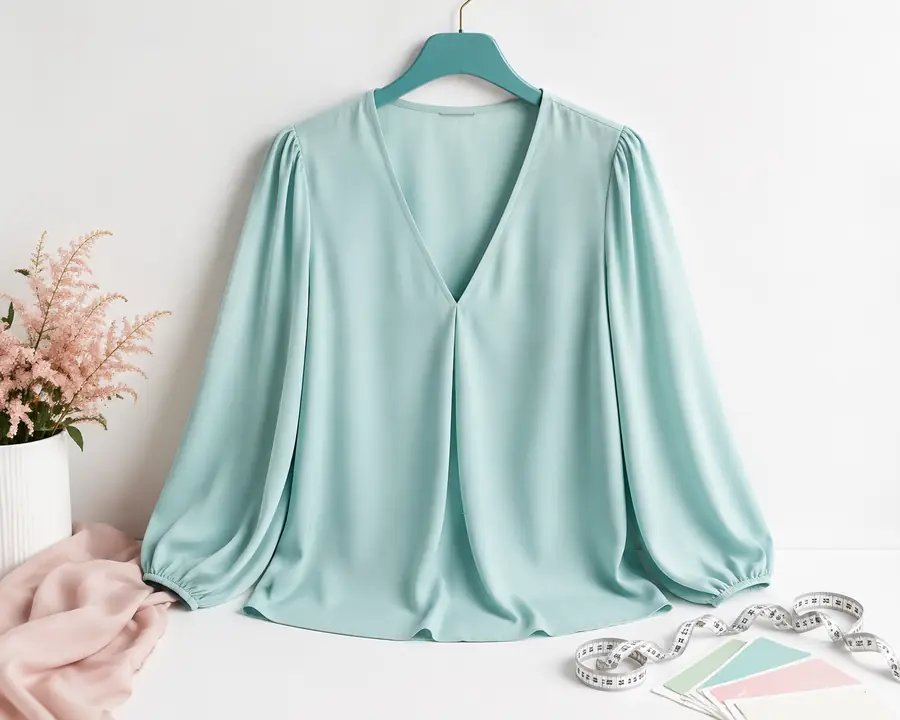
Garment input prepared for a product-to-model fashion image workflow
Starting product image Before
Fashion image comparison workflow showing the Fashn side of a product visualization test
Expanded fashion visual After

The visual pair represents the kind of progression to test: move from a single product input toward a richer on-model or campaign direction. Evaluate the actual result with your own collection rather than treating one sample as a universal benchmark.

For most fashion brands, Fashn is the more flexible starting point because it supports more than a single try-on moment. It can help teams explore product-to-model imagery, model changes, consistent identities, and campaign directions in one connected process. WearView may still be appropriate when the brand has a narrowly defined fitting-room experience and does not need broader image production yet.
Fashn can be a strong alternative for teams whose try-on project sits alongside wider content needs. Whether it replaces WearView in a production implementation depends on your integration, review, and output requirements. Run the same garment and model brief through both workflows, then compare realism, consistency, turnaround, and how easily the result can be reused.
Test Fashn first if the team is still deciding what kinds of imagery it needs. Its wider fashion workflow exposes more possibilities before you lock the process. Test WearView first if the brief is already fixed around a single try-on interaction and the team wants to validate that narrow experience quickly.
Use one difficult product, one consistent source image, and the same evaluation checklist. Review garment fidelity, body proportions, face and hand quality, background control, export readiness, and the number of edits needed. A fair test measures the workflow around the image as well as the image itself.
1 representative garment is enough to begin a fair workflow test
4 Fashn directions to explore: product, model, try-on, and consistency
2 clear starting paths: broad creative production or focused try-on
0 new photoshoot decisions needed before your first Fashn experiment
Make the comparison practical

Start with the garment your team knows best, compare the workflow rather than a single screenshot, and see whether Fashn gives your next collection more creative room.

Start with Fashn