
Fashion brands
Keep a recognizable model across seasonal drops so the collection feels connected even when the locations and garments change.
Use a virtual try-on workflowFashn helps fashion teams keep one recognizable person, pose language, and visual mood across product pages, lookbooks, and campaign concepts. Build a reliable image system without repeating every shoot.
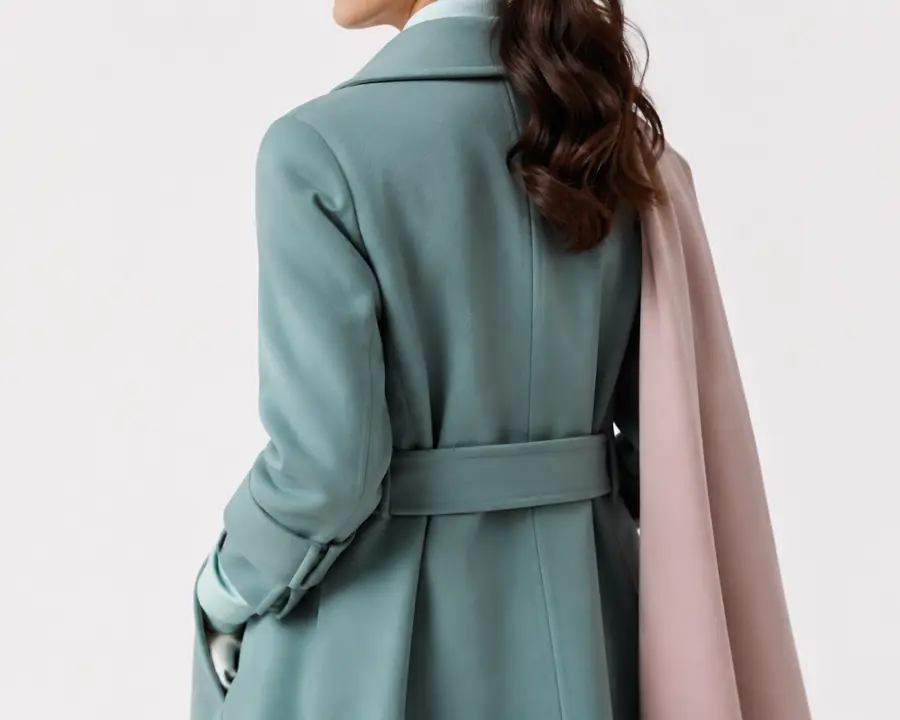

Fashn turns a chosen reference into a repeatable visual anchor. Instead of prompting from scratch for every image, you can preserve the person your audience recognizes while changing garments, locations, crops, and story direction.
Start with a clear model image that shows the face, proportions, and overall point of view you want Fashn to preserve.
Describe the collection, pose, lighting, styling, and setting so the model identity works inside your brand language.
Generate additional scenes, then select the strongest outputs for product pages, social crops, ads, and editorial layouts.
Consistency becomes more useful when it connects to the rest of the image pipeline. Fashn gives different teams a practical starting point, whether the goal is a try-on workflow, a new casting direction, or cleaner catalog output.
Keep a recognizable model across seasonal drops so the collection feels connected even when the locations and garments change.
Use a virtual try-on workflow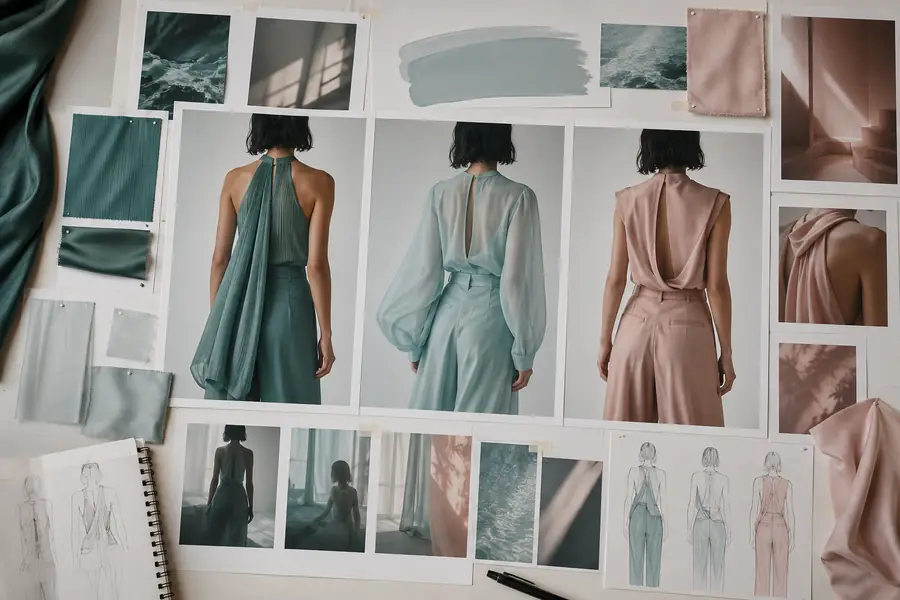
Present several casting and styling directions quickly, then keep the selected identity stable as the campaign moves through revisions.
Build around model swap
Use AI fashion models to explore a visual brief before booking a location, sourcing samples, or committing to a full production day.
Explore AI fashion models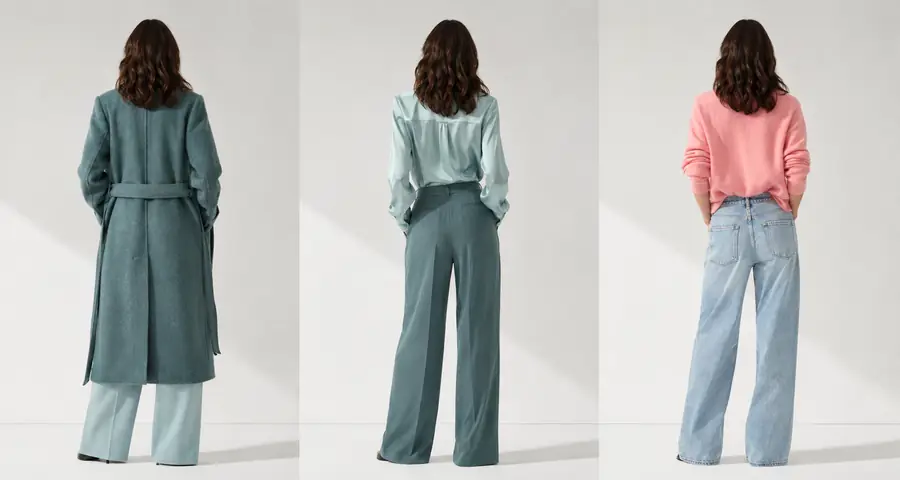
Move from a consistent model set to dependable product imagery when the assortment needs a clean, repeatable presentation.
Finish with a packshot workflowThe table below separates the parts Fashn can help hold steady from the creative choices you still direct. For product-led teams, that distinction makes it easier to connect consistent identity with a try-on workflow or a new model swap brief.
| Attribute | Fashn consistency workflow | Manual image production |
|---|---|---|
| Reference identity | Preserved as a working visual anchor | Recreated through casting and retouching |
| Garment direction | Can change while the model stays familiar | Usually requires another styled setup |
| Background exploration | Prompt-led scene variations | Dependent on location and crew availability |
| Pose and crop testing | Fast optioning before final selection | More expensive to test broadly |
| Brand review cycle | Useful for early direction and iteration | Often starts after production is booked |
| Final quality control | Requires human review and selection | Requires human review and retouching |
Use a rough image count to estimate how a consistent model workflow can change the shape of a content sprint. This is a planning tool, not a promise of production output.
Illustrative estimate: $15 and 9 minutes of exploratory coordination per image.
Fashn is strongest when it accelerates visual exploration and keeps a direction coherent. It does not remove the need for judgment, art direction, or a final quality pass.
Small changes in reference quality, angle, or prompt wording may alter facial details or proportions between outputs.
Workaround: use a clear reference and review a small batch before scaling.
The workflow can produce a strong starting image, but detailed cleanup, legal review, and channel-specific finishing still belong to your team.
Workaround: send selected outputs into your normal review and post-production process.
Transparent layers, tiny hardware, unusual silhouettes, and difficult hand interactions can require several attempts.
Workaround: simplify the brief, test close crops, and keep a human in the selection loop.
It means using a reference identity and a clear visual brief to create multiple fashion images that feel like they belong to the same person and campaign system.
Yes. Fashn is designed to help you explore new garments, styling directions, and settings while keeping the chosen model identity as stable as possible.
That depends on the use case. Fashn can support concepts, product imagery, and campaign exploration, while some launches still benefit from a physical production and final retouching.
Check identity, garment details, hands, logos, proportions, and channel requirements. Select the strongest outputs rather than treating every generation as final.