Independent labels
Test a new collection on believable shoppers before investing in a full campaign, then use the strongest direction for launch assets.
Explore product to modelFashn helps fashion teams show how garments could look in context before a customer commits. Instead of relying on a flat product image alone, a Fashn workflow turns one approved asset into useful try-on content, clearer merchandising decisions, and a more confident path to checkout.
A product page can be technically complete and still leave a shopper unsure. A single cutout does not show scale, movement, proportion, or how a piece works with a real wardrobe. Fashn gives teams a practical way to add context without scheduling another studio day. For a broader virtual try-on workflow, teams can combine garment references with approved model imagery and keep the creative direction consistent.
Test a new collection on believable shoppers before investing in a full campaign, then use the strongest direction for launch assets.
Explore product to modelCreate more useful category and PDP imagery when a catalog has many sizes, colors, or new arrivals but limited production bandwidth.
See consistent modelsExplore a wider range of model contexts while preserving the garment as the constant, helping more customers recognize themselves in the story.
Create AI fashion modelsGive creative and performance teams fast variants for social, email, and landing pages without confusing early concept work with final product claims.
Compare model swap optionsFashn works best when the team defines the job before generating variations. These three patterns keep the process focused, measurable, and easy to review.
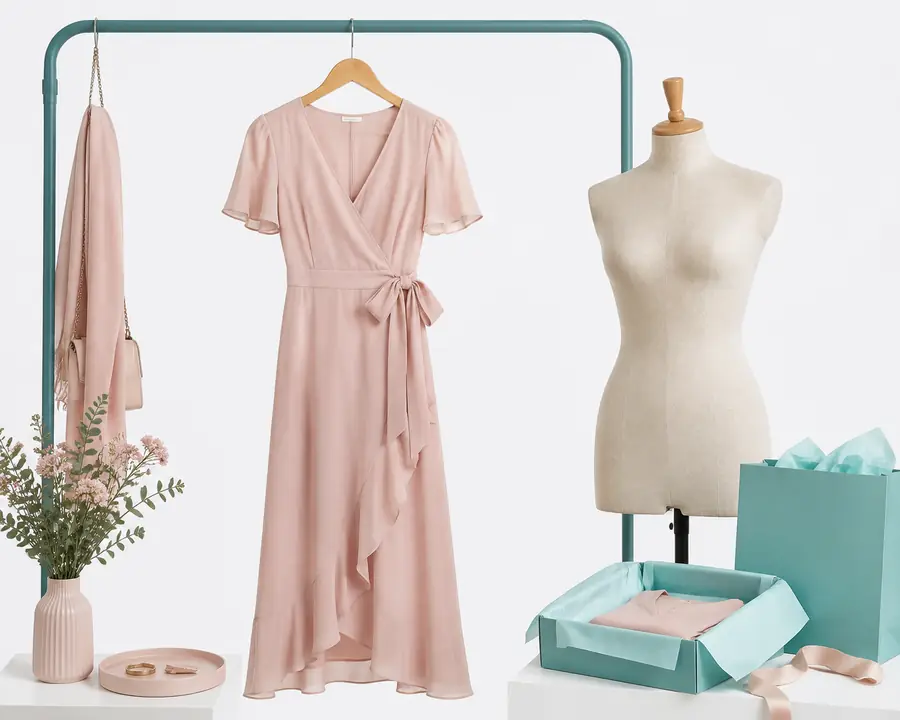
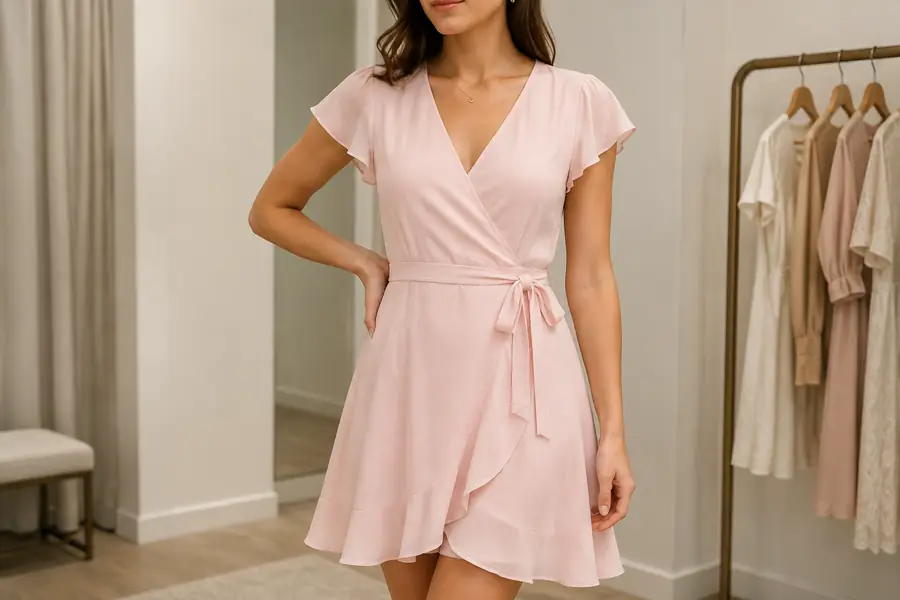
Label the source and generated context clearly during review. The output is a merchandising aid and creative asset, not a promise that every body will experience the exact same fit.
Start with a clean garment reference, choose a restrained setting, and generate a small set of on-model views that answer the first fit questions.
Use approved model directions to compare how the same item reads across age, styling, and campaign contexts before choosing the final content mix.
Turn the selected direction into coordinated social, email, and collection assets, then keep the original product image available for transparency.
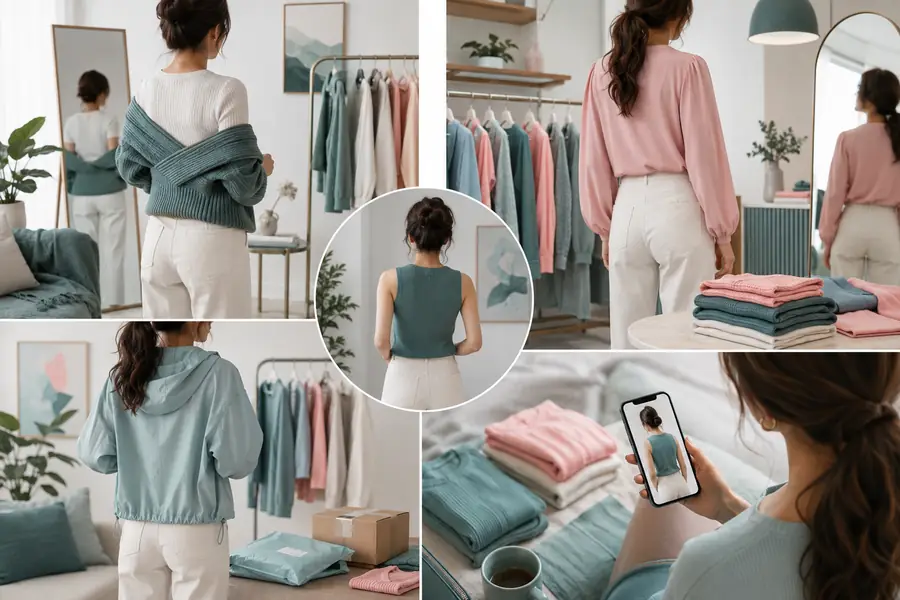
A useful Fashn output keeps attention on the garment while adding enough context to make the next action easier. A shopper can understand the silhouette, a merchandiser can assess the crop, and a creative lead can judge whether the image belongs beside the rest of the collection. The strongest fitting-room set usually includes one full-body frame, one closer detail, and one natural pose rather than a wall of near-duplicates.
For larger launches, pair this approach with virtual fashion photoshoots to explore campaign settings before production. When the product itself needs a cleaner starting point, Fashn's packshot workflow can help standardize the source image first.
Fashn can accelerate visual exploration, but the review standard should stay human. Treat generated fitting-room imagery as a clearly labelled representation of a garment, not a guarantee of fit, drape, sizing, or performance.
Use only model references and likenesses your team has permission to transform or publish.
Keep original and generated assets distinguishable in internal review and customer-facing workflows.
Pair visuals with accurate size charts, garment measurements, and language that explains variation.
Check representation, cropping, skin texture, mobility, and whether the output serves the intended audience.
Save the approved input, prompt direction, reviewer, and final usage decision alongside the published asset.
The right setup depends on the source image, the number of variants, and where the final content will appear. Fashn is most effective when the team starts with a clear use case and a small review set.
Use a simple planning range for one collection.
Planning model only: 8 images per garment, $18 equivalent manual prep, and 1.5 hours saved per garment.
It places a garment reference into a chosen model, pose, and setting so shoppers and internal teams can understand the visual context. It should sit beside accurate product information, not replace it.
Yes. A clean, well-lit garment image is a useful starting point. Better source separation and visible construction details generally give reviewers more confidence in the generated result.
They are ready for a review workflow, not automatic publication. Check proportions, logos, hands, styling, disclosures, and consistency with the approved product before releasing them.
Define a repeatable visual brief: model direction, crop, lighting, backdrop, pose range, and language rules. Fashn then becomes a controlled exploration tool rather than a source of random variations.
Choose the workflow that matches the question your customer or creative team needs answered next.
Start with a product reference and let Fashn help you explore the right visual context.